
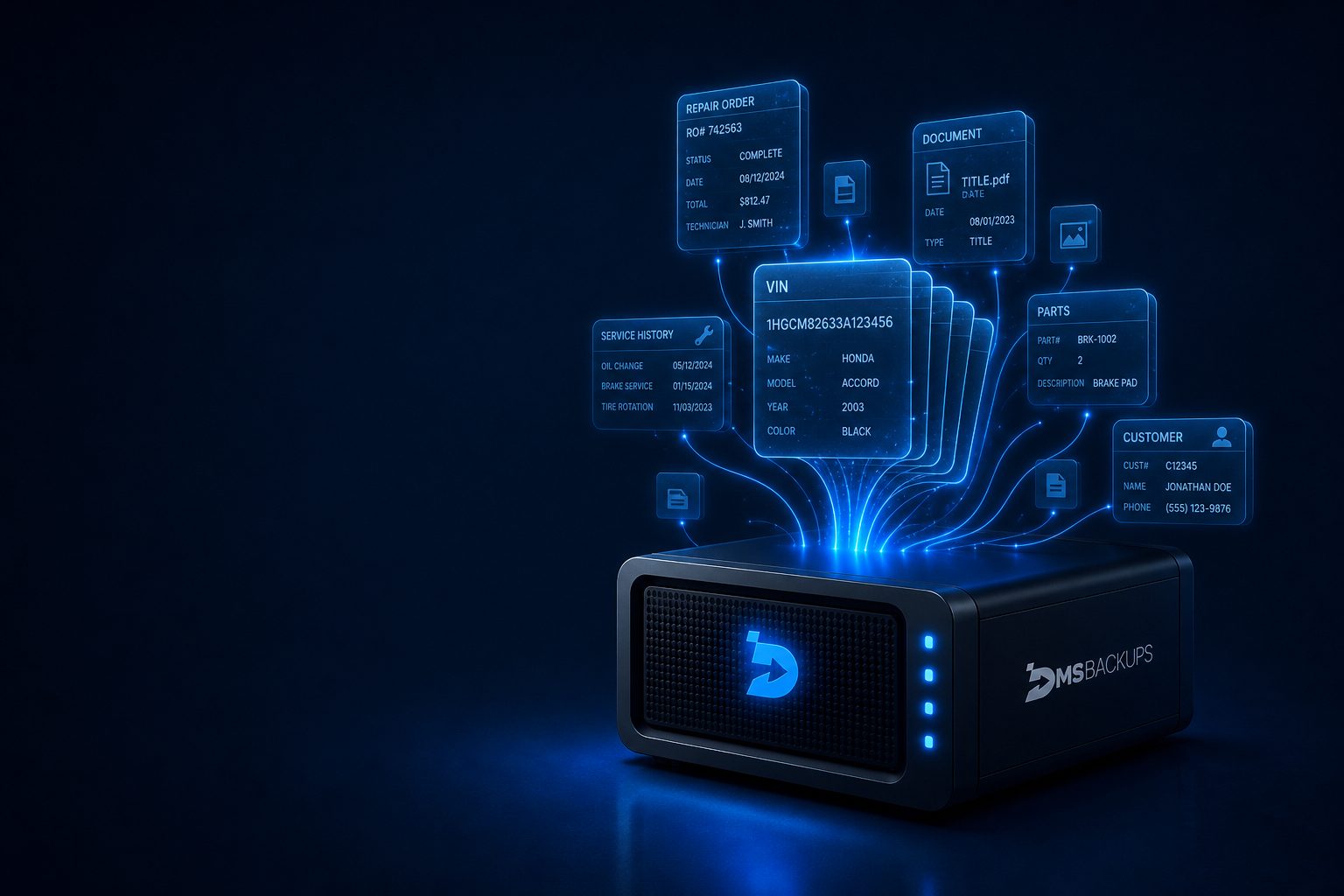
A complete, independent view of your dealership data.
DMSbackups is the application dealers use to search offline backup data. It synchronizes dealership data daily, makes all available fields searchable, supports record and document export, and stores copies on locally controlled detachable media.
DMSbackups synchronizes dealership information from the primary DMS, organizes it for rapid retrieval, and preserves associated records, documents, and media in a locally controlled backup environment.
One connected system
From DMS source to locally controlled retrieval, DMSbackups links synchronization, indexing, and access in a single operational environment.
DMS source
Primary dealership system of record
Synchronization engine
Daily capture of operational data
DMSbackups index
Searchable organization of records
Local detachable storage
Dealership-controlled media
Physical media access
Available to anyone with access to the backup drive
How it works
- Step 1
Connect to the supported DMS environment
- Step 2
Synchronize dealership data daily
- Step 3
Organize records, documents, and media
- Step 4
Search and retrieve information through DMSbackups
Platform interface
Search, retrieval, documents, and synchronization health in one environment.
- ServiceRO #48291 - Oil change & inspection
- SalesDeal #11842 - Stock #A2041
- F&IContract packet - Deal #11842
Complete coverage
Complete coverage
Every department, searchable
Select a department to inspect representative data, search fields, and content types preserved in backup.
Departments
8
Data points
60+
Searchable fields
Hundreds
Exact data types and searchable fields vary by DMS source.
Tap a department to view full coverage details.
Includes documents, media, and historical records. View full coverage matrix →
Synchronization and local storage
- Last backup
- Today, 2:14 AM
- Records synced
- All departments
- Departments
- 8 of 8

Connected
Storage connected to the DMSbackups environment.
Deployment
- 01
Initial connection
Configure access to the supported DMS environment.
- 02
First synchronization
Establish the initial operational history baseline.
- 03
Data validation
Confirm departments, records, and file types captured.
- 04
Local storage setup
Configure secure local media and retention approach.
- 05
Drive access
Connect the offline media when search or export is needed.
- 06
Daily synchronization
Maintain a current independent copy on schedule.
Built to work with TotalKnockOut (TKO)
When a dealership switches DMS providers, DMSbackups works with TotalKnockOut to export sufficient data for the transition in the format required by all major destination DMS providers.
Discuss a DMS transitionReview your DMS coverage
Confirm departments, file types, and continuity requirements for your dealership.